You can automatically send a WhatsApp message to a lead when you are assigned the lead or when the lead is updated. This helps reduce the lead’s waiting time and increases engagement rates.
NoteThis assumes that you already have a working WhatsApp bot.
Initiate a Flow when being assigned a Lead
To initiate a Flow when being assigned a Lead:
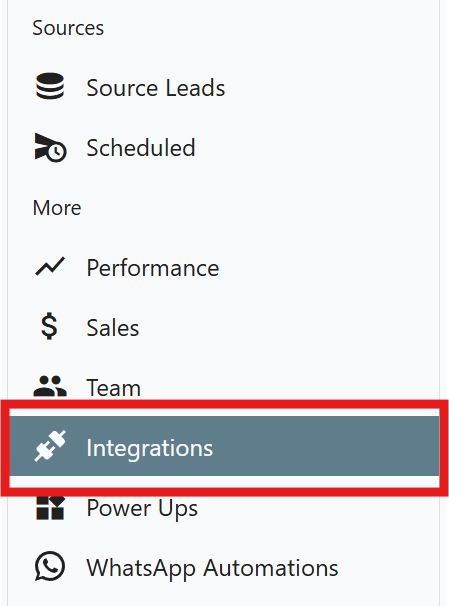
- Go to ChatMamba CRM, and click Integration on the left sidebar.
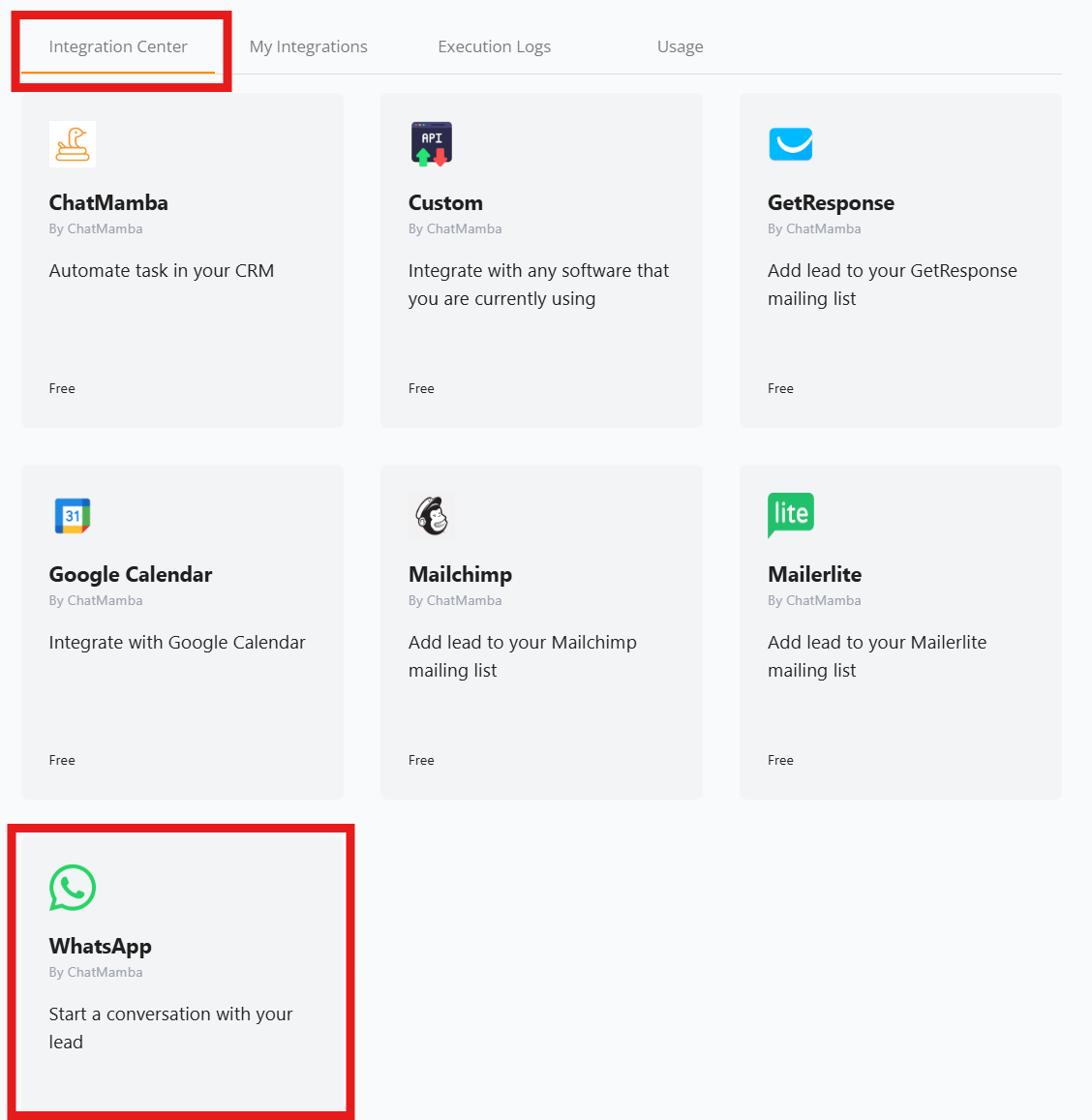
- Go to Integration Center and select WhatsApp.
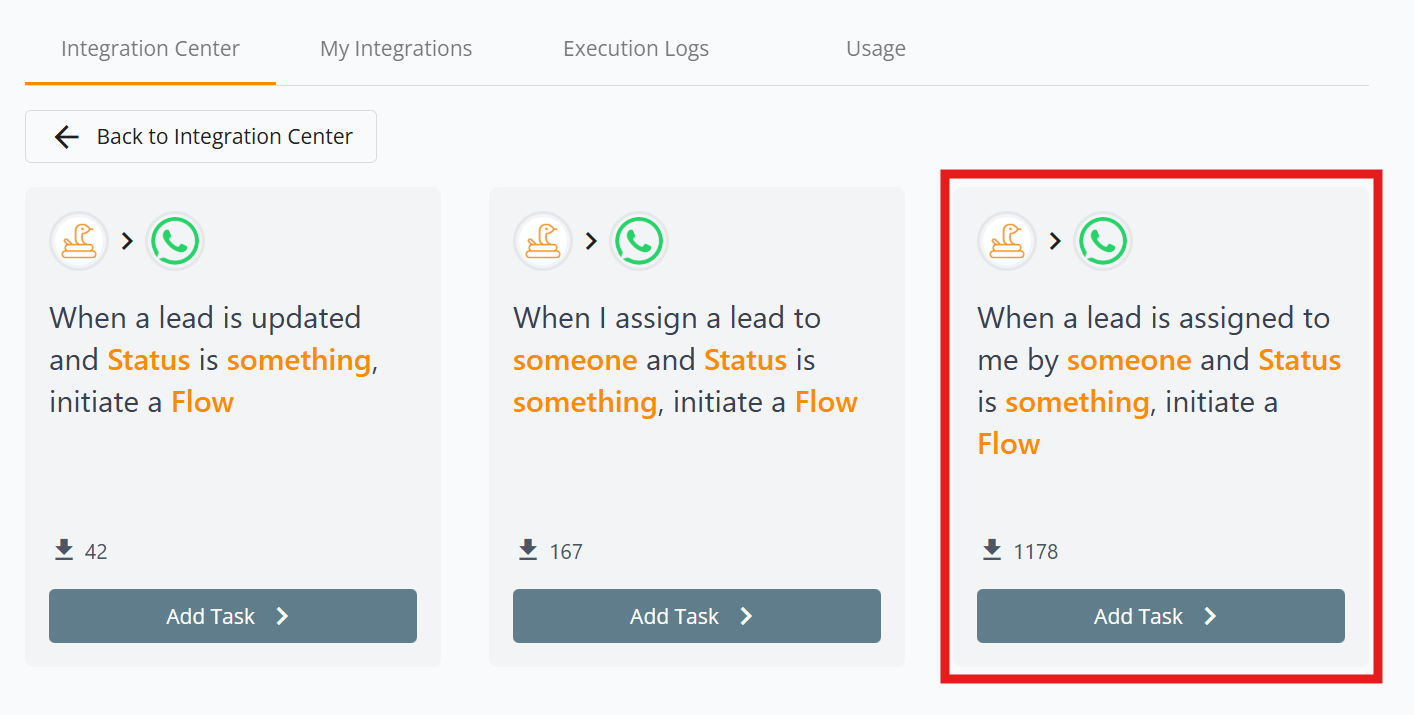
- Select When a Lead is assigned to me by someone and Status is something, initiate a Flow.
- Set the condition to be fulfilled for the WhatsApp message to be sent.
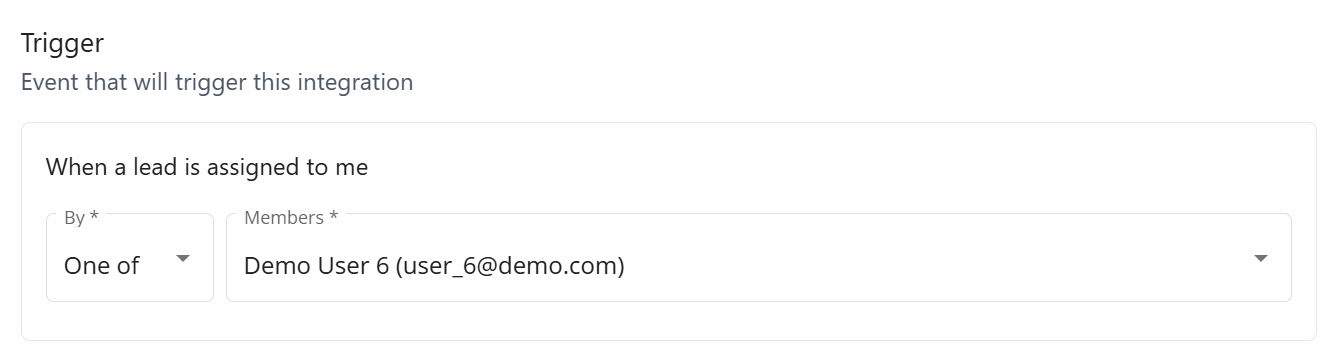
- Trigger - Select which member’s lead can trigger the Integration. You can select more than one members. If you want the Integration to run for your own leads, you can select yourself.
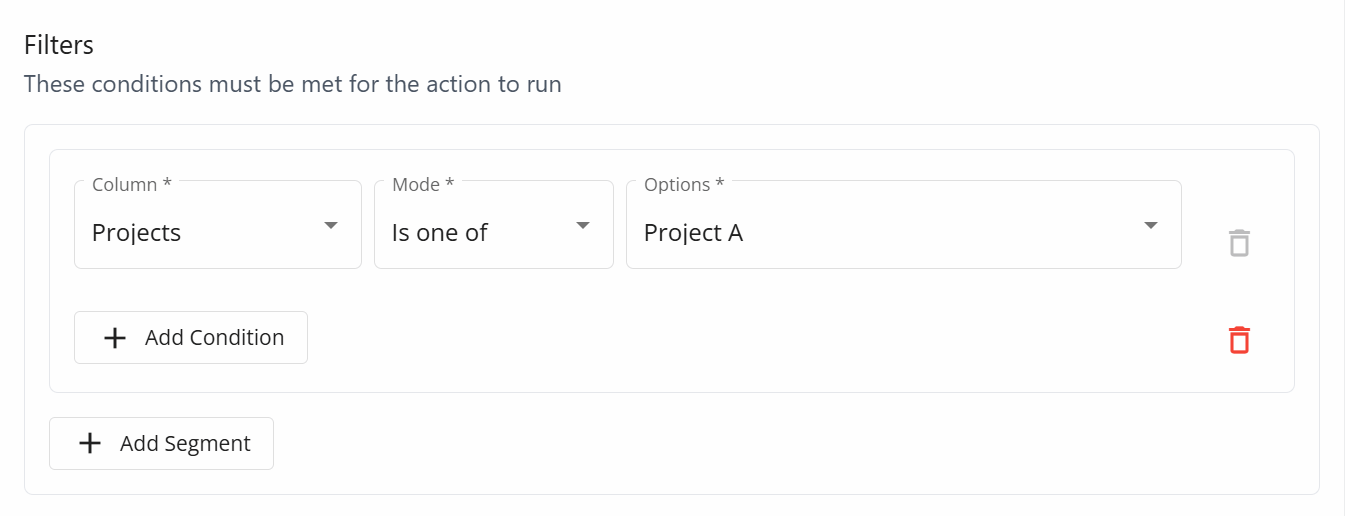
- Filters - Set the conditions that a lead must fulfill. For example, if you are automating a Flow message for Project A, ensure that the Projects field is set to Project A. This helps prevent unwanted triggers.
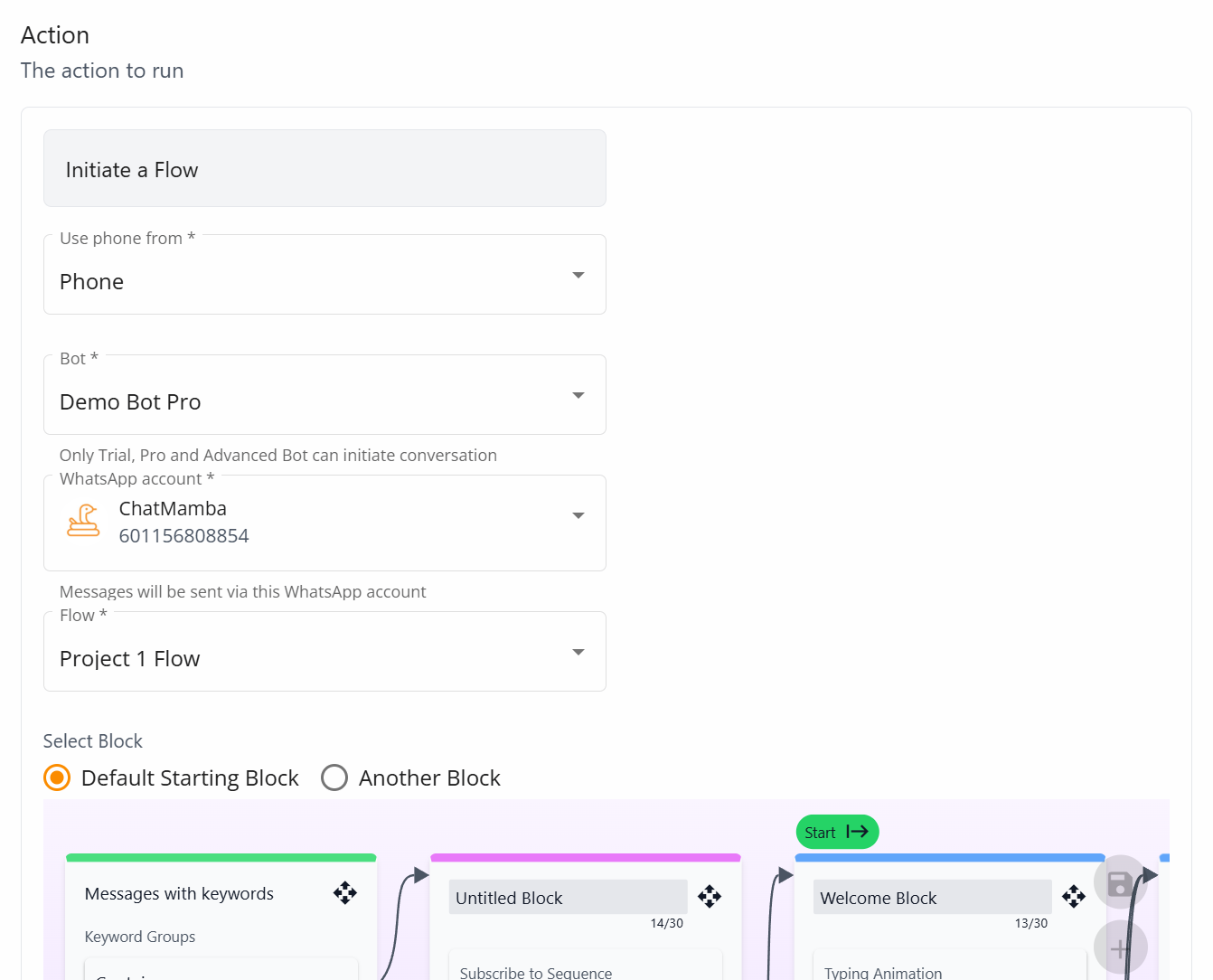
- Action - Specify which Flow you want to initiate. You will need to select
- The column that is used as the lead phone number
- The bot to be used
- The phone number to be used to initiate the Flow
- The Flow to initiate
- Trigger - Select which member’s lead can trigger the Integration. You can select more than one members. If you want the Integration to run for your own leads, you can select yourself.
After setting up the Integration, you can test it by creating a Source Lead and assigning it to yourself to trigger the automation.
We’re here to help
If you encounter any issues, feel free to reach out to us, and we will assist you.